Big Binary Trainings
Enroll Now
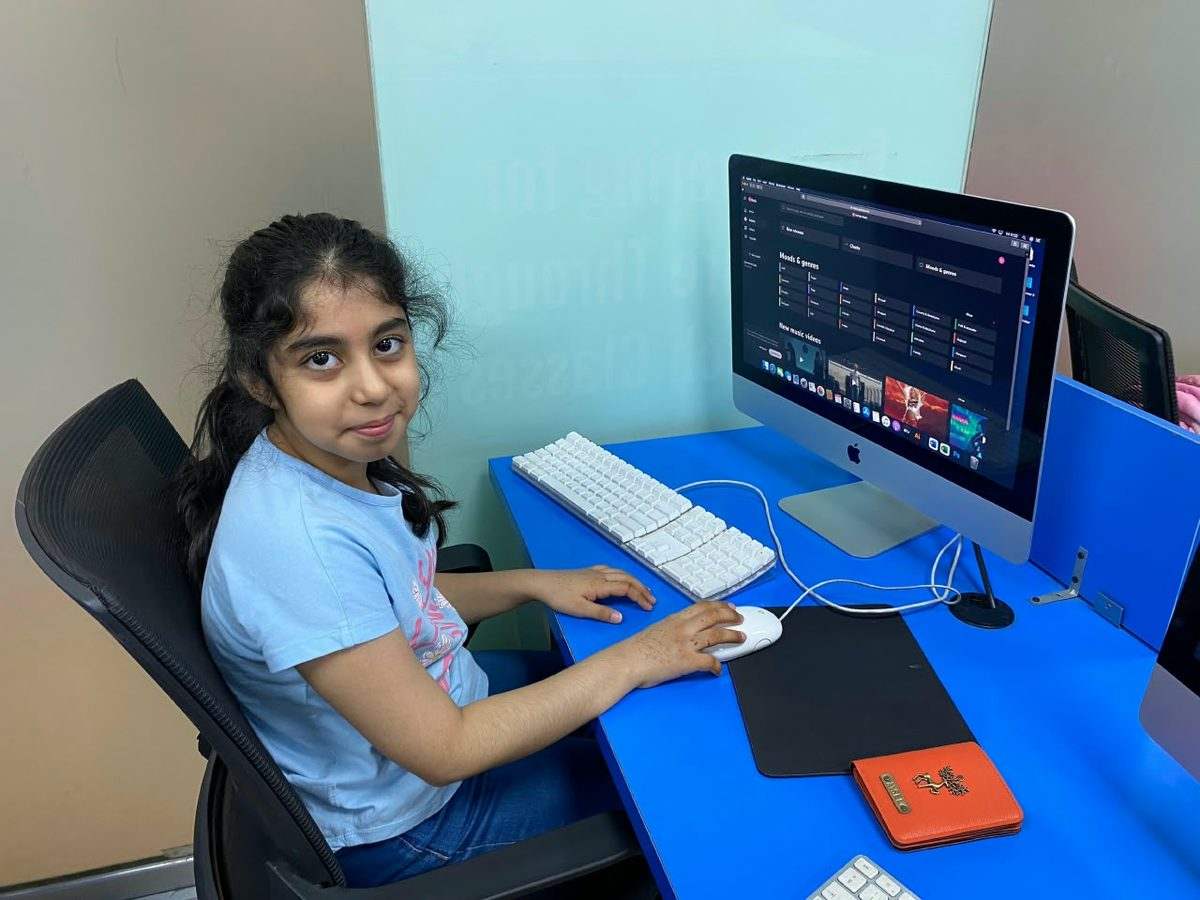
A BBT Kids student giving a thumbs up at an iMac in the lab
Thumbs up
A BBT Kids student working at an iMac
At the iMac
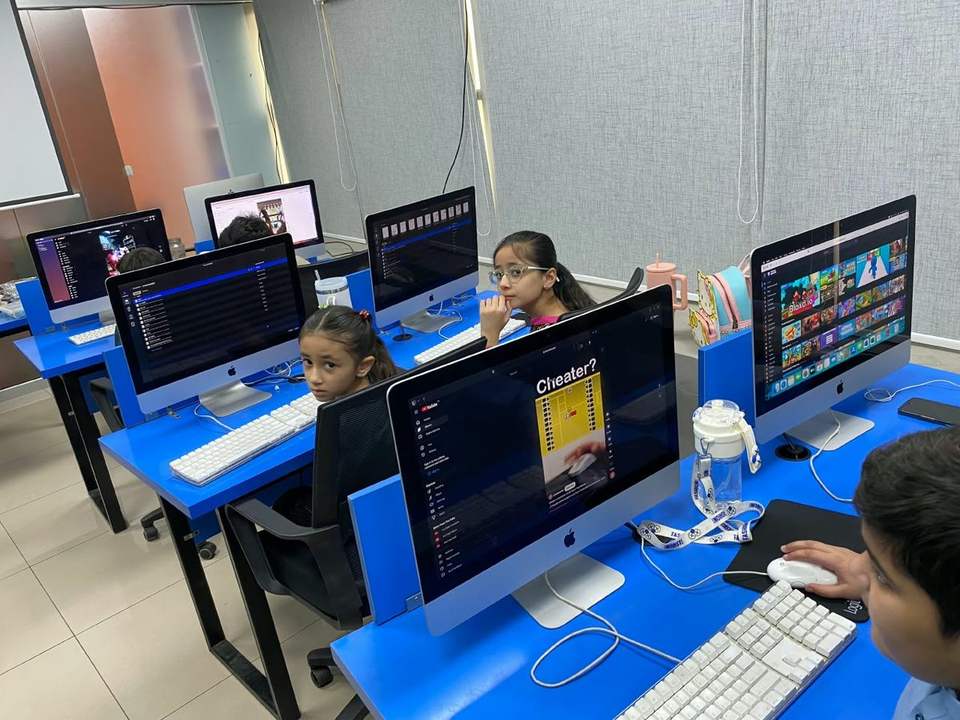
BBT Kids students working at iMacs in the computer lab
Lab time
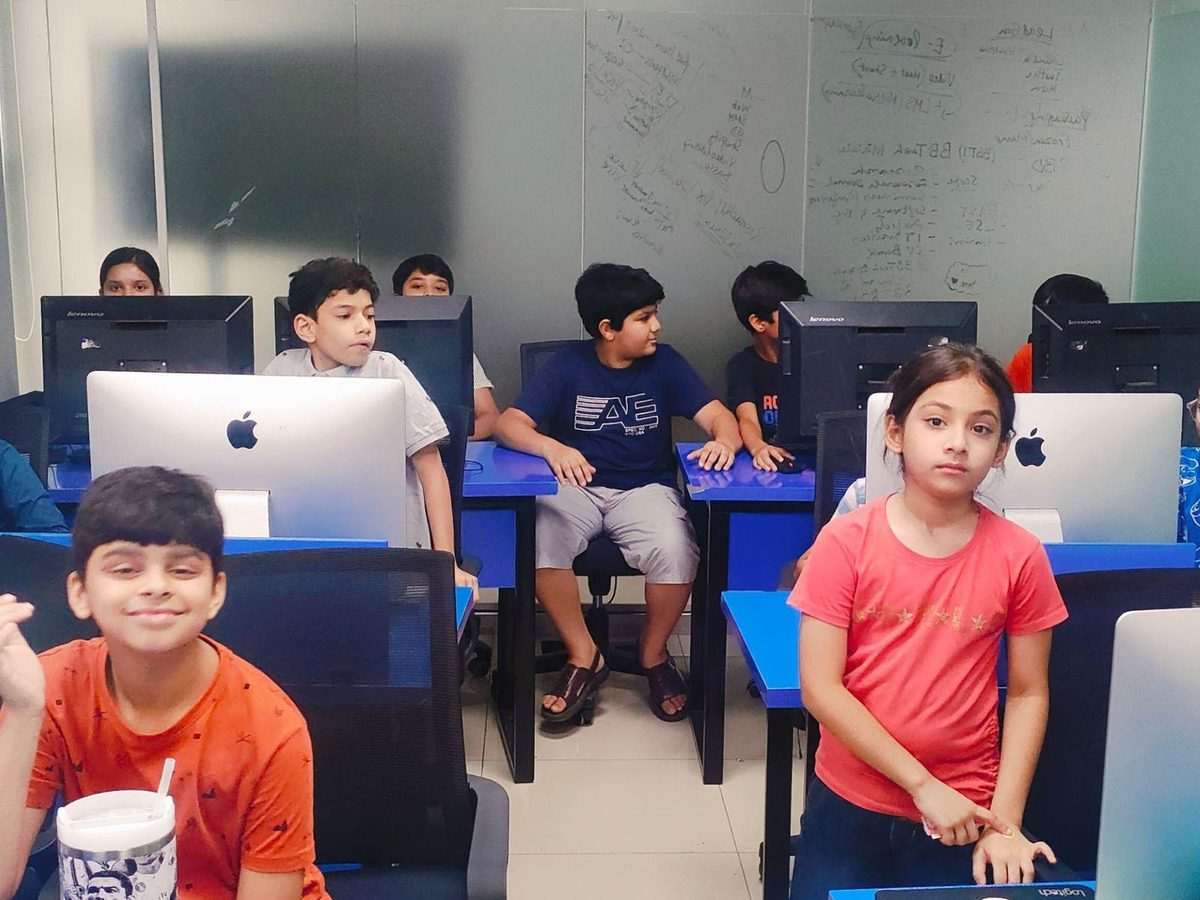
BBT Kids students together in the computer lab
Class together

AI for Kids

Learn to create with AI, not just use it.

Artificial Intelligence powers the games kids play and the apps they use. This two month program gives children the keys to the engine room, teaching them how to prompt, build, and create with AI safely.

2 Months16 ClassesAge 5+Certificate
What you will learn

What Your Child Learns in Our AI Course for Kids

Over 16 one hour classes, kids go from “What is AI?” to a website, an app, a chatbot and a talking assistant they built themselves. No coding needed.

What they learn
  • Core AI Concepts: What AI is, how machine learning and data work, and where AI already shows up in YouTube, games, Alexa and maps.
  • Train Your Own AI Model: Use Google Teachable Machine to train AI on images, sounds and poses, test it on classmates and see where it gets things wrong.
  • Build with No-Code AI: Make a real personal webpage with Lovable and generate AI voice-over scripts with OpenAI.fm.
  • Apps and Prototypes with v0.dev: Turn an idea into a working quiz, game or calculator, then share it and test it with the class.
Going further
  • ChatGPT and Claude, Side by Side: Ask both the same questions, compare creative and factual answers, and learn what each one is actually good at.
  • AI Chatbots: Text and Voice: Build a simple text chatbot, then add voice input and output to make a talking assistant.
  • Virtual Doctor with Groq Cloud: See how AI is used in healthcare, role-play with a virtual doctor, then debate whether AI should replace one.
  • AI Ethics and Safe Use: Bias, limits, safe use and an honest look at what AI still can’t do.
Course outline

AI for Kids Course Outline: 8 Weeks, 16 Classes

Two one hour classes a week. Every module ends with something on screen, not just something in a notebook.

W1Lecture 1 & 2

Introduction to AI for Oceans · Exploring AI Around Us

  • What is AI?
  • How AI helps save oceans: plastic detection and climate monitoring
  • Fun examples of AI in nature & the environment
  • AI in YouTube, games, Alexa and maps
  • Difference between human intelligence & AI
  • Group quiz: ‘AI or Not AI?’
W2Lecture 3 & 4

Teachable Machine Basics · Teachable Machine Activity

  • What is Google Teachable Machine?
  • Training AI with images and sounds
  • Hands-on: train a model to recognise poses or sounds
  • Test trained models with classmates
  • Discuss limitations & bias
  • Reflection: ‘Did the AI get it right?’
W3Lecture 5 & 6

Website Creation with Lovable · Voice Script Generation

  • Introduction to Lovable, a no-code AI web builder
  • Activity: create a personal webpage
  • Explore templates and customisation
  • Intro to AI-generated voices with OpenAI.fm
  • Create simple voice-over scripts
  • Students generate scripts for their own websites
W4Lecture 7 & 8

AI App Building with v0.dev · v0.dev Workshop

  • What is v0.dev?
  • How AI helps make small apps & prototypes
  • Demo: build a simple interactive app
  • Students create their own small app: a quiz, game or calculator
  • Share & test each other’s apps
W5Lecture 9 & 10

Exploring ChatGPT · ChatGPT Hands-On

  • Intro to ChatGPT, text AI
  • Fun uses: stories, poems, Q&A
  • Activity: role-play with ChatGPT
  • Students create chatbot conversations
  • Compare creative vs factual outputs
  • Ethics: safe & responsible use
W6Lecture 11 & 12

Exploring Claude AI · Claude Workshop

  • What is Claude (Anthropic’s AI)?
  • Compare with ChatGPT
  • Activity: ask both the same questions, see the differences
  • Team challenge: use Claude to generate a story, article or solution
  • Reflection: which AI did better?
W7Lecture 13 & 14

Virtual Doctor with Groq Cloud · Virtual Doctor Activity

  • How AI is used in healthcare
  • Explore a virtual doctor demo
  • Discussion: can AI replace doctors?
  • Students role-play asking the virtual doctor
  • Group debate: AI in healthcare, pros & cons
W8Lecture 15 & 16

Chatbots (Text + Voice) · Final Projects & Presentations

  • Build a simple text chatbot
  • Extend it with voice input/output
  • Demo: voice-activated chatbot assistant
  • Teams present: website, voice scripts, app, chatbot and virtual doctor
  • Quiz + certificate
Is this right for your child?

Who this is for.

01

Curious kids aged 5 and up

No coding background needed. Every tool in this course is no-code or low-code by design.

02

Kids curious about ChatGPT and AI tools

Using AI well, and safely, is different from typing prompts. Here they learn both with an instructor in the room.

03

Young gamers and YouTubers

They already live inside AI-powered products. This shows them what is under the hood.

04

Future engineers and scientists

An early, honest introduction to machine learning, data and model bias.

05

Kids who like making things

Websites, apps, chatbots and voice assistants, all built and demoed in eight weeks.

06

Parents planning ahead

AI literacy is quickly becoming a baseline skill. Starting early, with guidance, is a real advantage.

See it in actionSee What Kids Build in Our AI Classes. Class projects, build days, pitch days and student work, posted as it happens on @bbtkids_.@bbtkids_
AI for Kids FAQs

Your questions, answered straight.

What age is the AI for Kids course for?
Children aged 5 to 15.
Does my child need any coding experience to join AI for Kids?
Not at all. We start completely from scratch. The course uses visual, beginner-friendly tools so kids can learn how artificial intelligence thinks and works without needing a background in computer programming.
How long is the course?
Two months: 16 classes, 2 per week, 1 hour each.
What will my child actually create during this course?
They won’t just play around with AI, they’ll build with it. Your child will learn how to write effective prompts, set up simple automated tools, and design their very own interactive chatbot or mini-app to share on graduation day.
Is AI safe and appropriate for kids?
Yes, and we take online safety very seriously. A big part of our curriculum teaches kids digital responsibility, how to verify information, spot fake or biased answers, and use AI as a helpful learning assistant rather than a shortcut for thinking.
Should my child bring their own laptop to class?
Our DHA Phase II campus has fully equipped computer workstations for every student. However, if your child has a personal laptop, bringing it along is great so they can easily save their work and keep working on their projects at home!
Is this course mostly lectures or hands-on practice?
It is 100% hands-on. We keep explanations short and dive straight into building. In every class, kids are actively trying out tools, building small prototypes, and working on their final projects.
Will they learn how to generate AI images and artwork?
Yes! Kids explore how text prompts can create visual art and digital graphics. We also talk through copyright, ethics, and how real designers use these tools responsibly.
Where is the course held, and is it online?
Onsite only, at our Lahore campus in DHA Phase II. The hands-on, in-person format is a deliberate part of how these courses work.
BBT Kids

Give Your Child a Head Start in AI

Two months, hands-on, onsite at our Lahore campus. Seats per batch are limited, so talk to us about the next intake.